


Clevertouch Pro Series
Accessible Google-Powered Learning
- Provides core features to teach, present, and collaborate
- 65″ 4K | 75″ 4K | 86″ 4K | 98″ 4K Screens
- EDLA-certified security
- Built-in software suite


Clevertouch IMPACT Lux 2
Elite Google EDLA-certified interactive display
- Advanced EDLA-certified security
- 65″ 4K | 75″ 4K | 86″ 4K Screens
- Includes Software Suite w/ CleverShare, Lynx Whiteboard and more…
- 50 touch points, Antibacterial Glass, Integrated NFC, Integrated Super Wide Sound

Boxlight MimioTeach™ Interactive Whiteboard
Choose the MimioTeach™ interactive whiteboard if your school already uses regular dry erase boards and projectors.
Simply place the small MimioTeach bar on the dry erase boards you already have, push two buttons, and just like that – you’ve got a full-featured interactive whiteboard. Now you can spend less without getting less.
With Boxlight MimioTeach™ you can:
- Mount to your whiteboard magnetically-Easy to move to different classrooms or remove for safekeeping.
- Create engaging, student-centered, interactive lessons with the included MimioStudio classroom software.
- Designed to last for years of classroom use.
Boxlight MimioView HD Document Camera
Easily add pictures or live video to your interactive whiteboard lessons?
The MimioView™ document camera is fully integrated with MimioStudio™ classroom software and the MimioTeach™ interactive whiteboard, making it easier than ever to capture images and present them in your lessons.
- Enjoy effortless setup – just connect the camera to a USB port on your computer and you’re ready to capture images.
- Annotate images, turn them into files or save them for future use.
- Give presentations for students while they remain in their seats.
Take pictures or video with the MimioView camera.
- Capture dimensional objects and flat documents.
- Align documents easily.
- Zoom in close.
- Autofocus by pushing a single button.

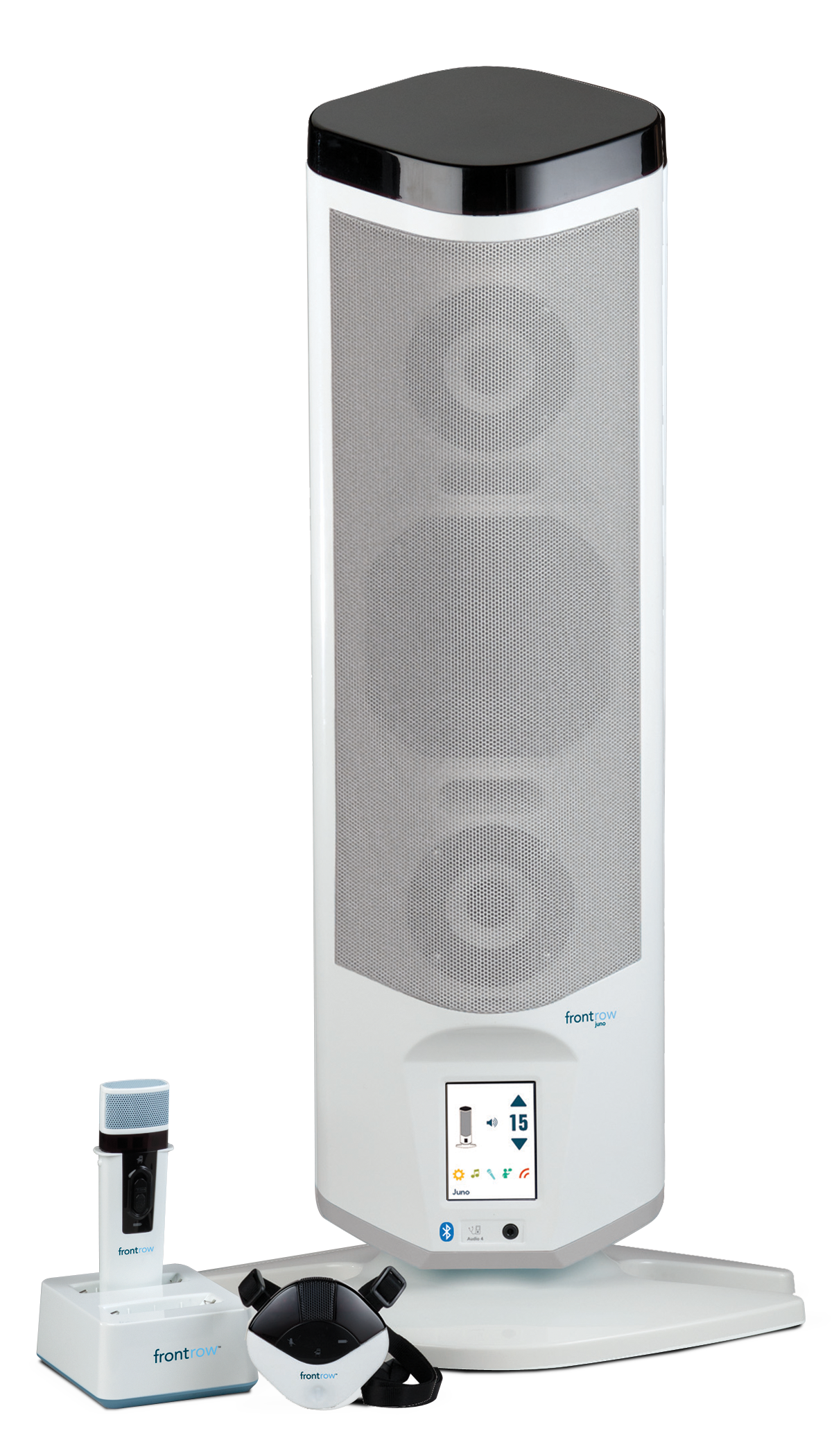
Juno
All-in-one classroom audio
- Compact wall-mounted speaker with built-in amplification and no ceiling installation required.
- OptiVoice and Adapto deliver clear, feedback-free classroom audio.
- SonicSuffusion™ provides powerful room-filling sound projection.
- Supports media, wireless audio, and optional student microphones.
- ALD-ready with easy video conferencing and campus communication integration.
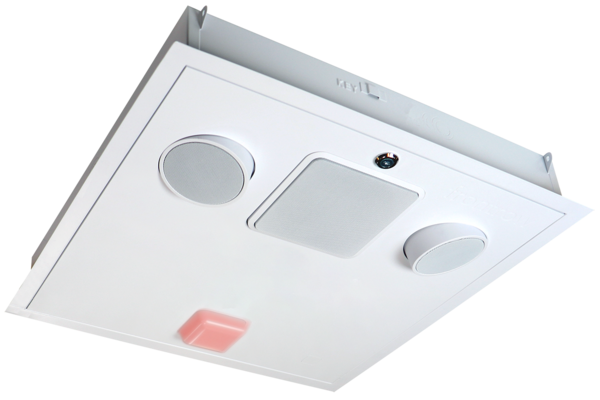
ezRoom
School-wide Communication
- Custom classroom AV solution combining audio, displays, and media control in one system.
- ELEVATE-powered with Action! teacher microphone and integrated smart classroom technology.
- Centralized interface for managing classroom devices, media, and instructional tools.
- Native Symphony integration supports campus-wide communication, alerts, and paging.
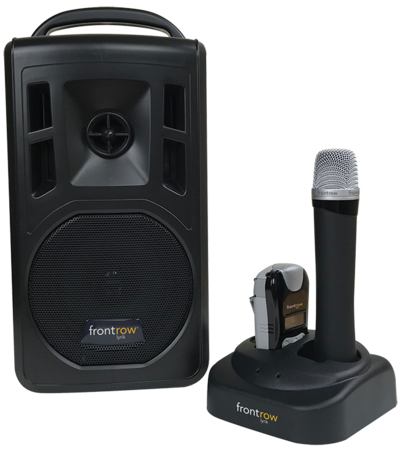
Lyrik
High-Quality Sound Whenever and Wherever You Need It
- Lightweight portable PA system weighing just 8.2 pounds.
- Rechargeable battery delivers up to 8 hours of use.
- Bluetooth connectivity with simple, pre-programmed setup.
- PrioriTeach audio ducking keeps teacher voice clear over media playback.
